









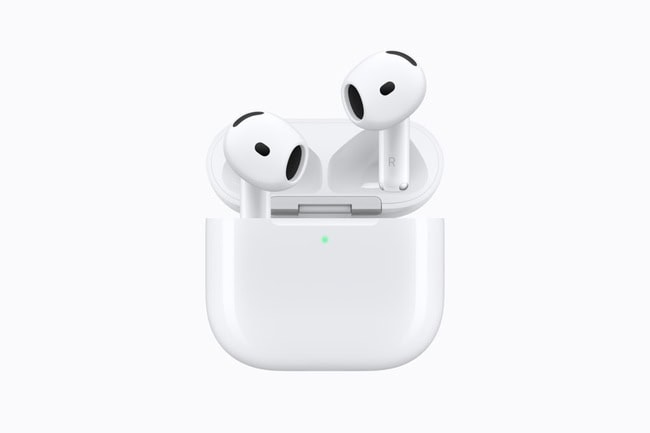
AirPods Live Translation promises an appealing travel moment: someone speaks in another language and you hear a translation through your earbuds. Apple’s September 2026 AirPods 5 launch puts that feature in the spotlight. But the useful question is how a whole conversation works, not simply what you hear.
Yes, but the phone remains part of the conversation
Apple’s support guidance explains that compatible AirPods can translate the other person’s speech into your preferred language. When you reply, the Translate app on your iPhone can display your words in their language or play the translated audio through the phone’s speaker.
If both people have compatible AirPods and have set up the feature, each can listen through their own pair. Otherwise, the exchange involves a mix of earbuds, screen and speaker. That distinction matters if you imagined handing over nothing and talking exactly as you normally would.
What AirPods Live Translation needs
The requirements include a compatible pair of AirPods, an Apple Intelligence-enabled iPhone, supported software and current firmware. Apple currently lists AirPods 4 with Active Noise Cancellation, both AirPods 5 models, AirPods Pro 2 and later, and AirPods Max 2. Check the official compatibility list for your particular combination.
The two languages must be downloaded before use. Apple says that, once those models are downloaded, conversation processing takes place on the iPhone. Availability still depends on language and region, so a feature appearing in a launch presentation does not guarantee that every language pair is covered.
The detail to check before a trip
Try the setup before the moment you need it. Confirm the languages, find the controls in the Translate app and understand how your reply reaches the other person. Apple also suggests moving the iPhone closer to a speaker in noisy surroundings to help translation performance.
It is easy to imagine using this for a simple question in a shop or a brief exchange while travelling. It is equally easy to see where the phone changes the rhythm: both people need to understand when to speak and where the answer will appear.
A useful tool still needs a little judgement
Apple warns that generated translations can be inaccurate. Confirm important details rather than relying on one rendering of a name, address or instruction. The attraction is having another way to communicate, with a process you can understand before using it.
Before buying new hardware for this feature, check whether equipment you already own is supported. The most interesting upgrade may already be available through a compatible combination of devices and software.
Find out more
Apple Support — use Live Translation with AirPods
Read more on Together
Is Your Phone Actually Listening to You?
More technology stories on Together
Stay inspired
Discover more culture, food, technology and travel stories.